UI/UX Case Study
ClearScreen: Build Your Test
ClearScreen gives clinicians the power of a rapid diagnostic test scanner on a smart phone, using an integrated mobile app and web portal for digital record keeping.
This case study highlights the 'Build Your Test' UI. The goal was to create a feature that allows clinicians to build and customise their own rapid diagnostic test flows, built upon the existing ClearScreen designs started by the previous designer.
Client
ClearScreen
Product
Mobile Application and Web Portal
My role
Product design
End Users
Nurses, Doctors, Clinicians
Team
Chief Product Officer
Backend Engineer
Mobile Engineer
Year
2025
The Problem
Different hospitals and clinicians have very varied and specific requirements. This features gives them the power to customise test flows to suit their specific needs.
Biggest Challenge
Working within the strict regulatory standards and demands for a medical product. These were successfully met.
Web Portal
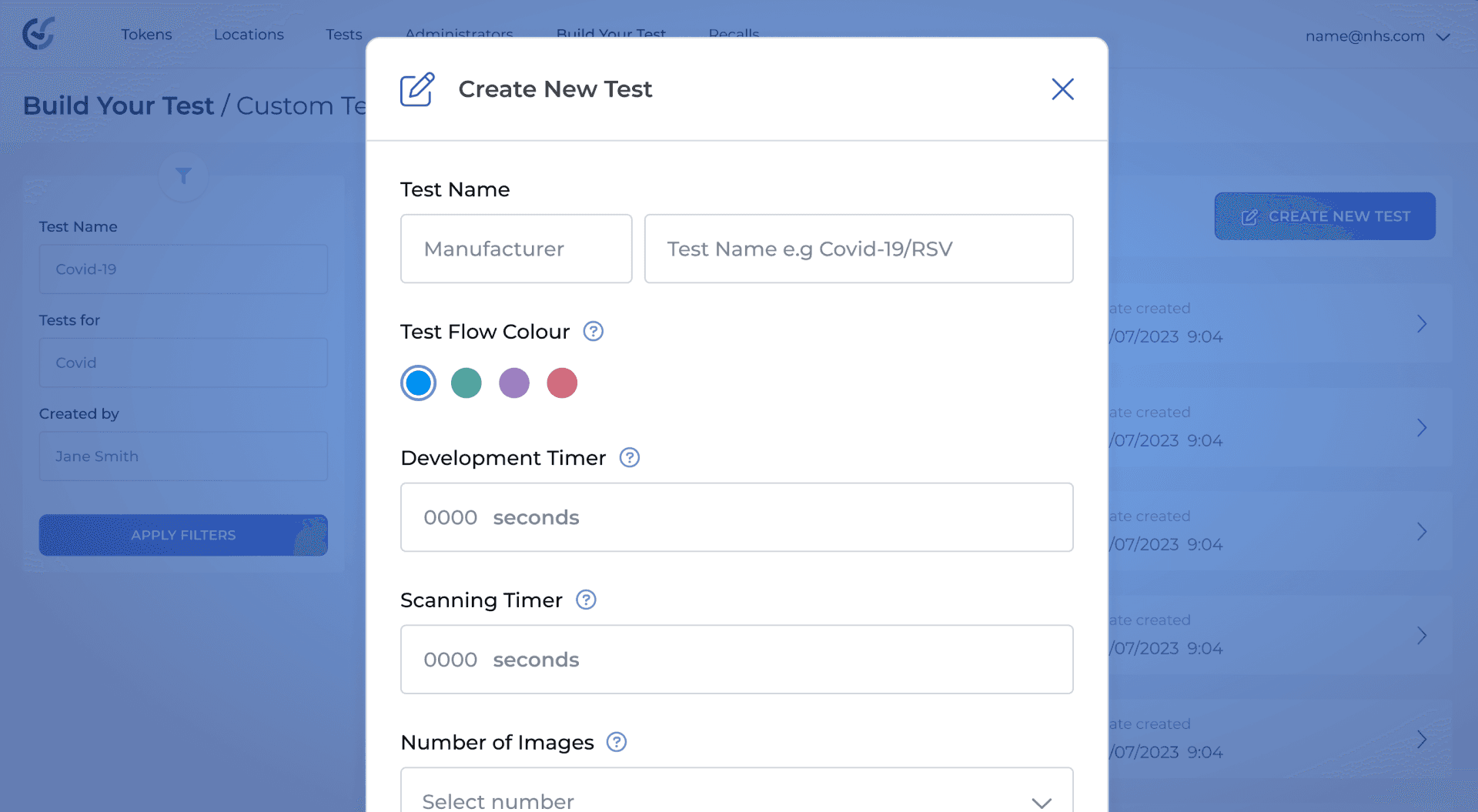
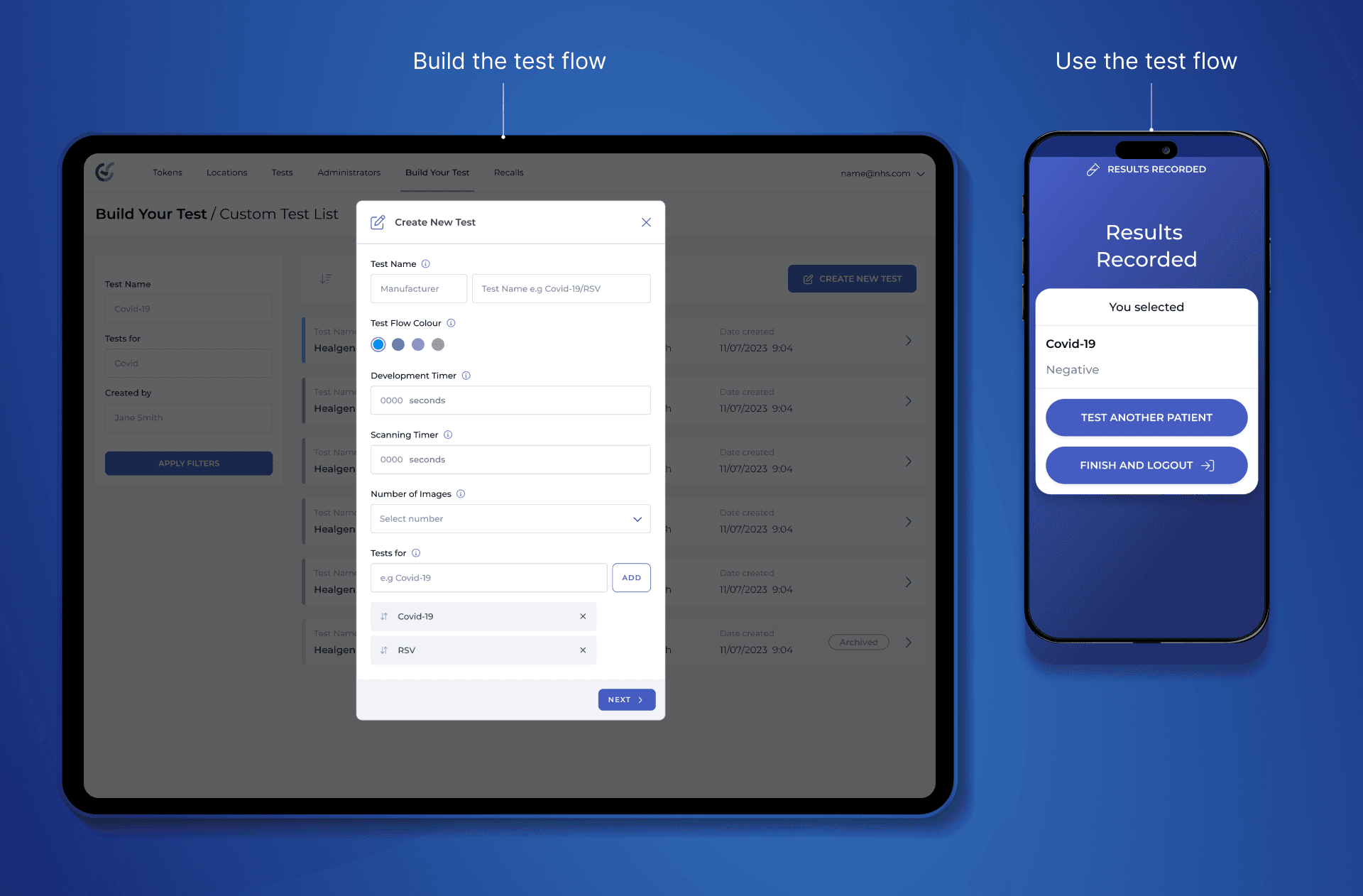
To start, the clinician has to build this custom test flow in the ClearScreen web portal.
I had to keep the new 'Build Your Test' page design in-line with the existing web portal UI. It was a balance of creating new components and keeping it simple and familiar for the current users, many of which are using this product in a busy hospital environment.
App
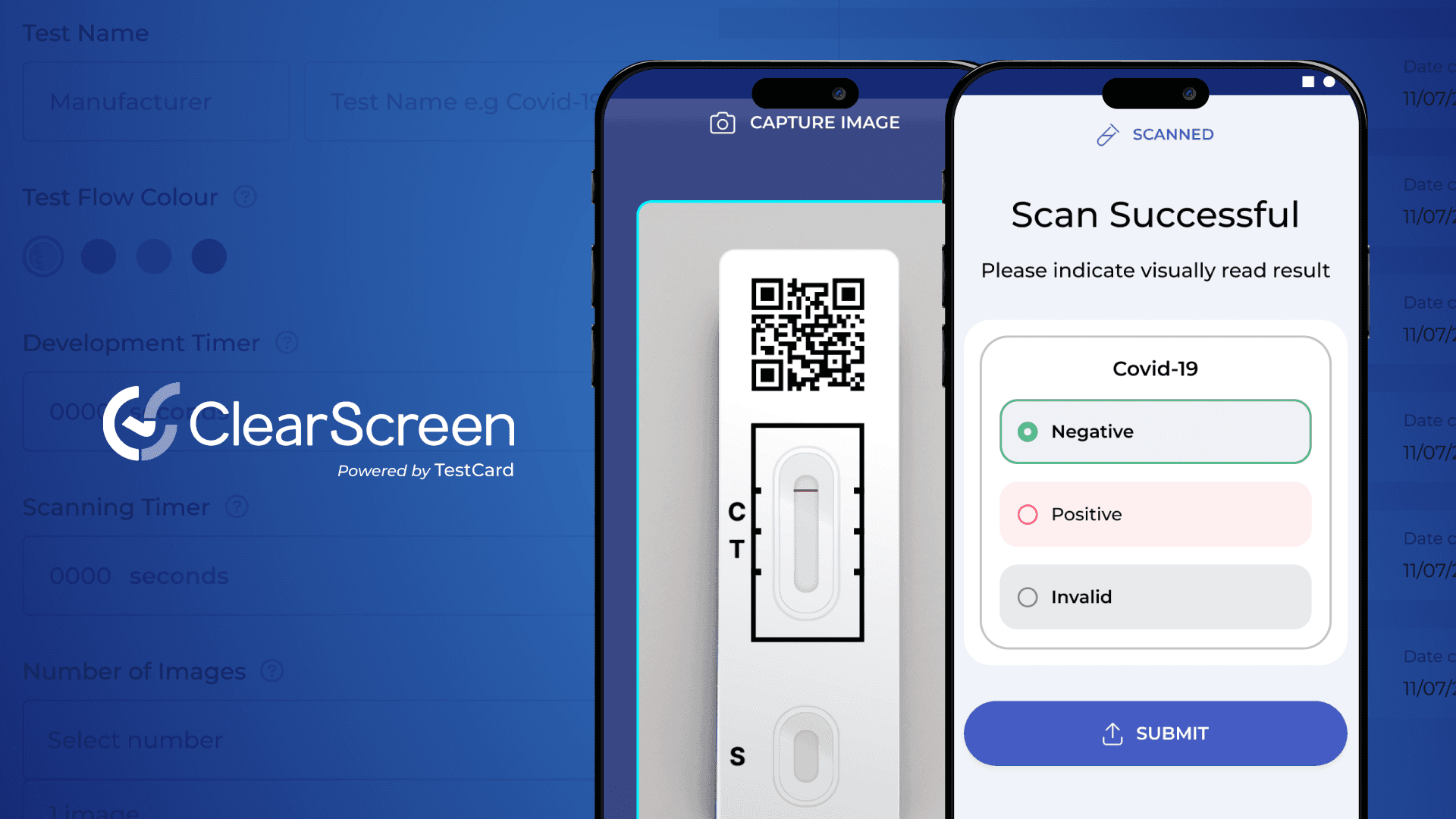
Once the user has created their custom test in the portal, it is immediately available for them to use within the ClearScreen App.
Result Input Methods
Once the clinician has performed the test and taken a photo, they will select the result. Depending on the option the user picked during the test creation, one of these screens will show:
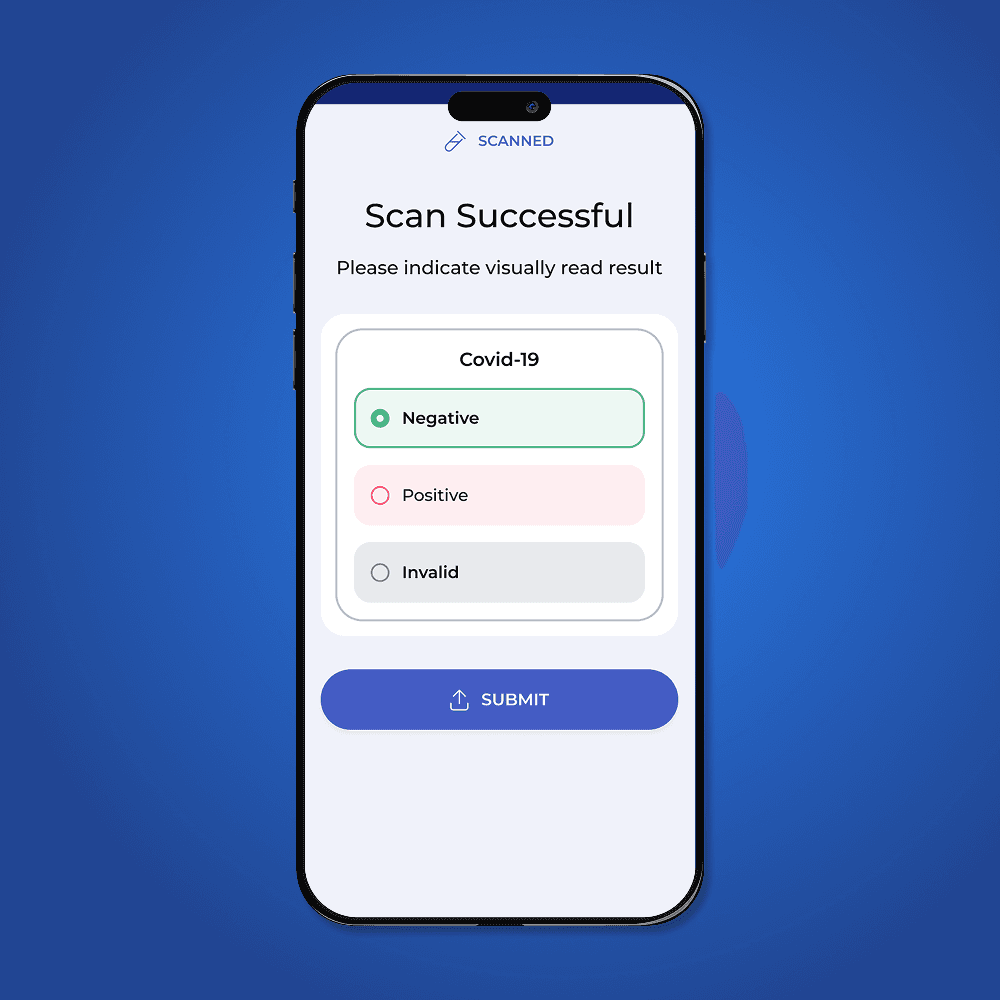
Qualitative
For tests with set selections, often 'Positive' and 'Negative'. The radio button text, colour and amount is determined by the user while building the test.
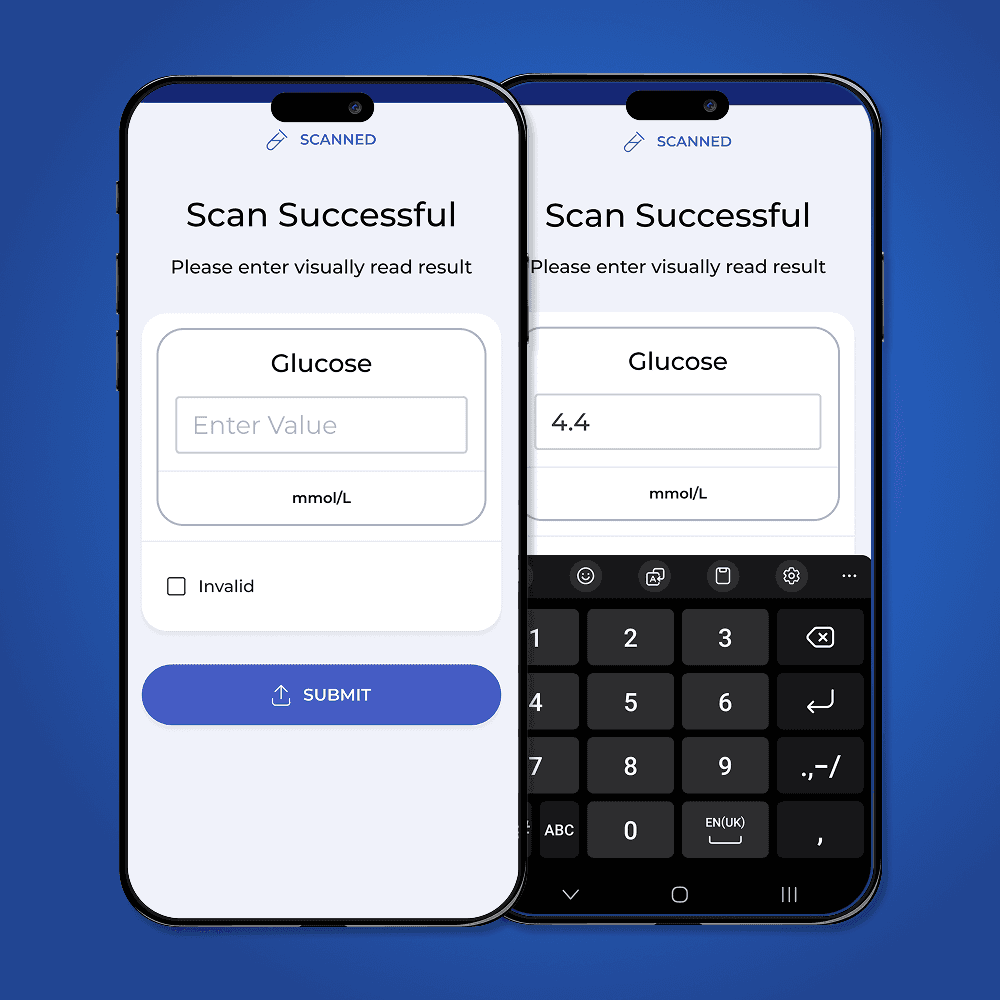
Quantitative
For tests that have a numeric result, such a glucometer, the user can manually enter the result. The app will show a numeric keyboard for ease of use.